
Free
- Automatic detection and manual fixes
- Blur, pixelate, solid mask and emojis
- One photo at a time, watermark-free export
- Ads
 Blur Go
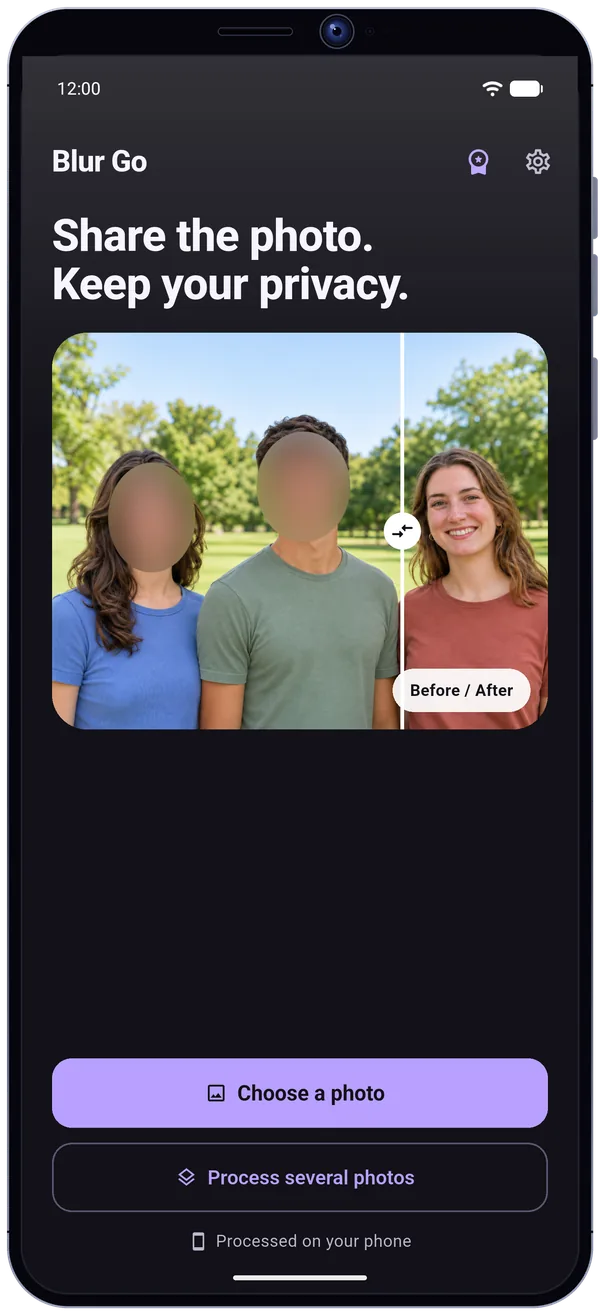
Share the photo. Keep your privacy.
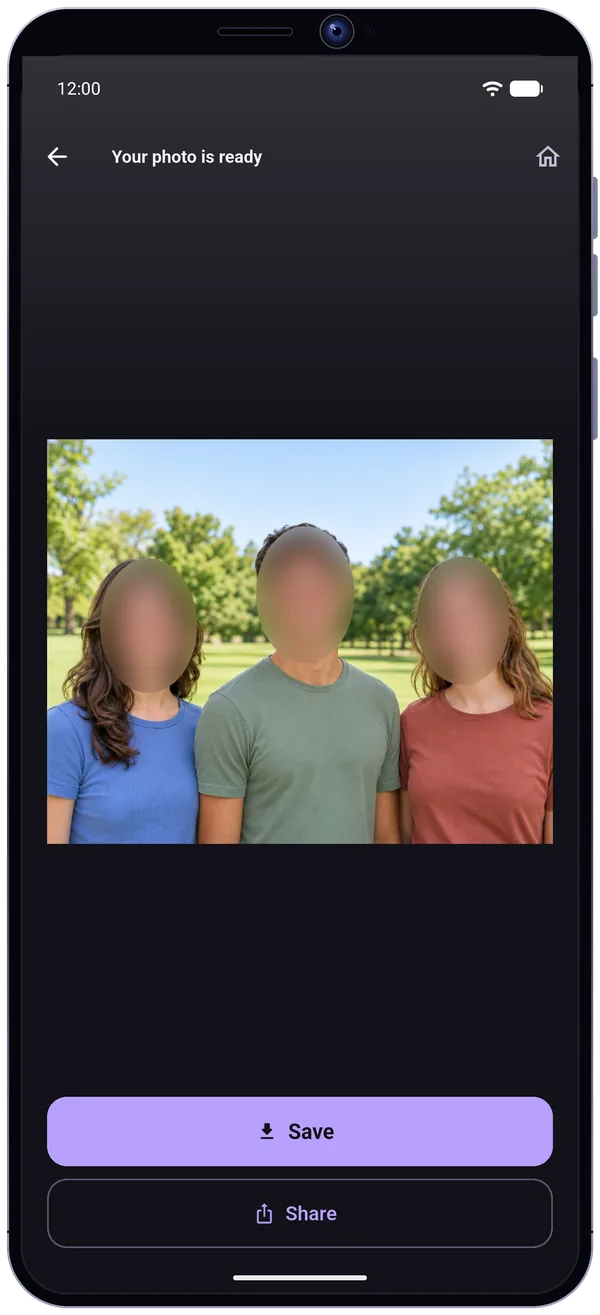
Need to blur a face in a photo before you post it? Open a picture from your gallery and let Blur Go find the faces. Choose who to cover, preview the result, then save or share a copy.
Try it on a demo photo
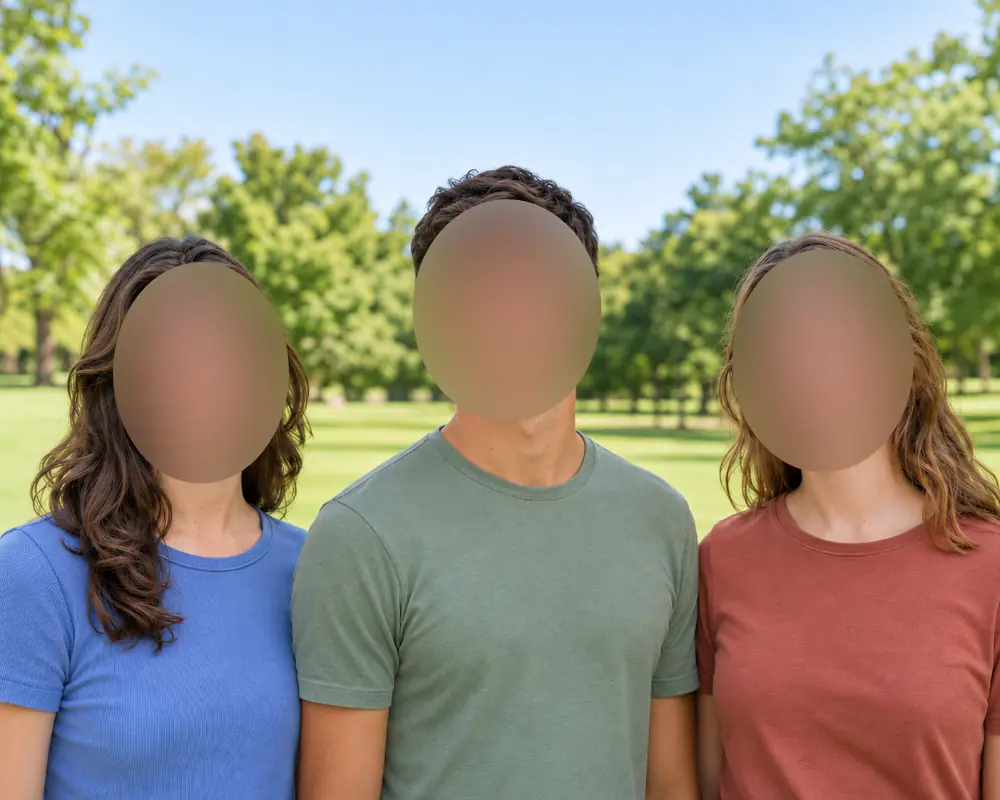
Tap a face to leave it visible or cover it.
Fictional demo photo. In the app, the processing runs on your full-resolution photo, on your phone. Always check the covered areas before sharing.
Soften facial details and adjust the blur strength.
Cover a face with pixels and change the block size.
Cover an area with an opaque color of your choice.
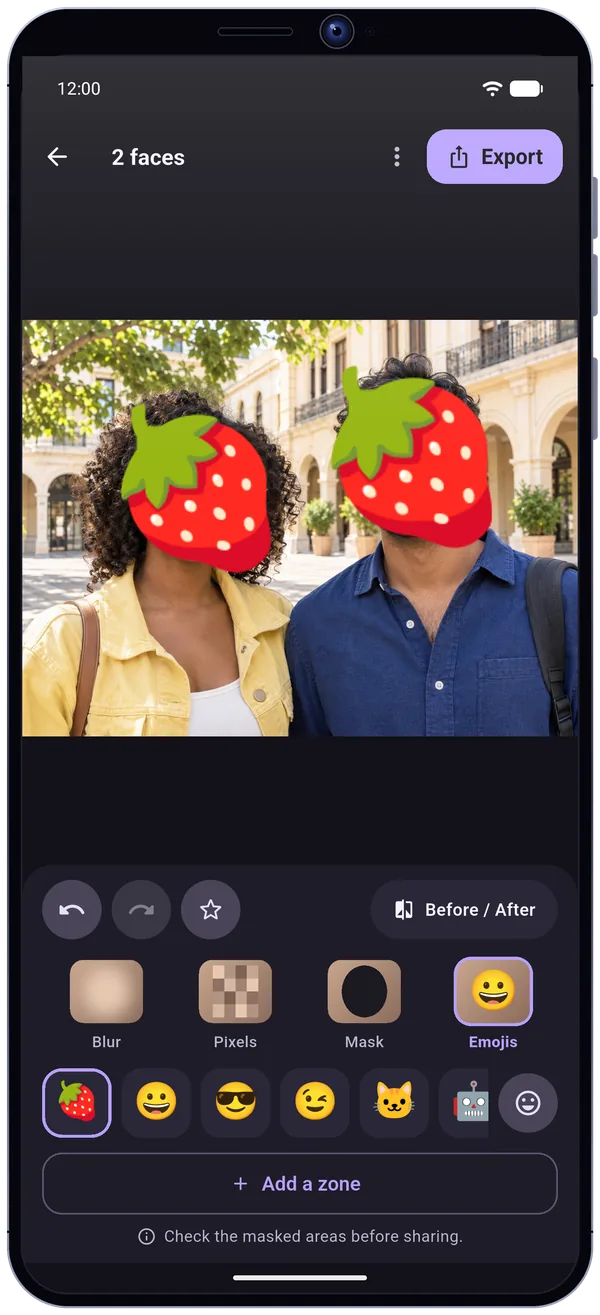
Place a smiley, animal, fruit or vegetable over a face.
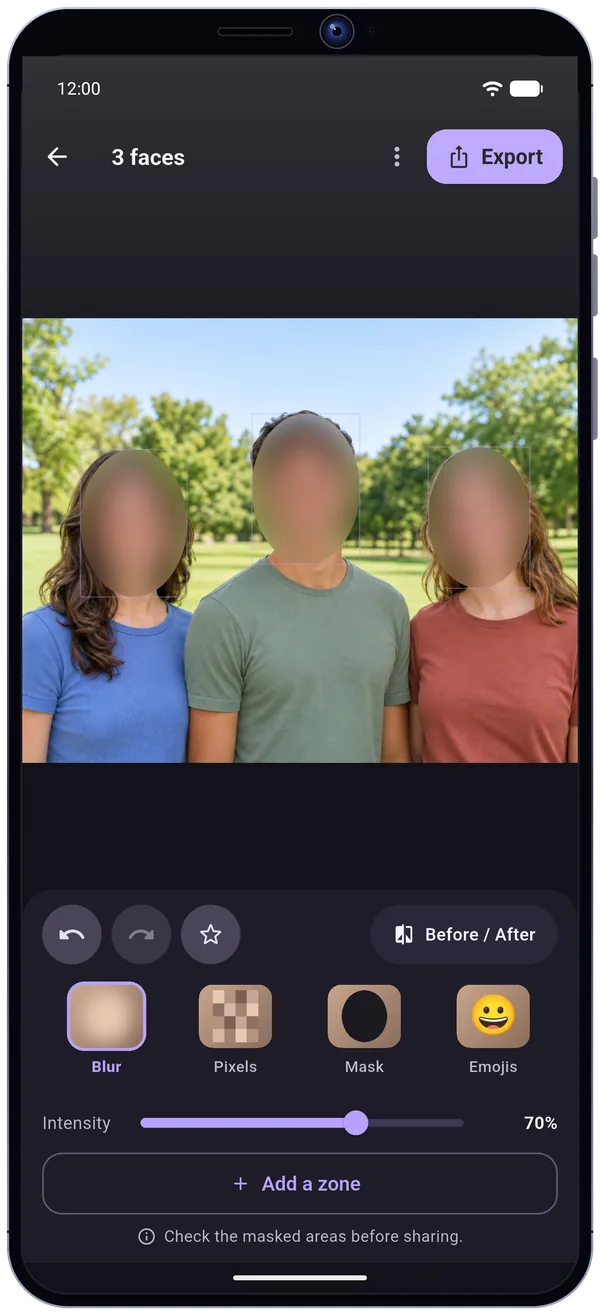
Add a mask by hand, move it into place or resize it. Apply one effect to all faces or edit a single area. Compare your edit with the original before saving the copy to your gallery or sharing it. Exports are watermark-free.
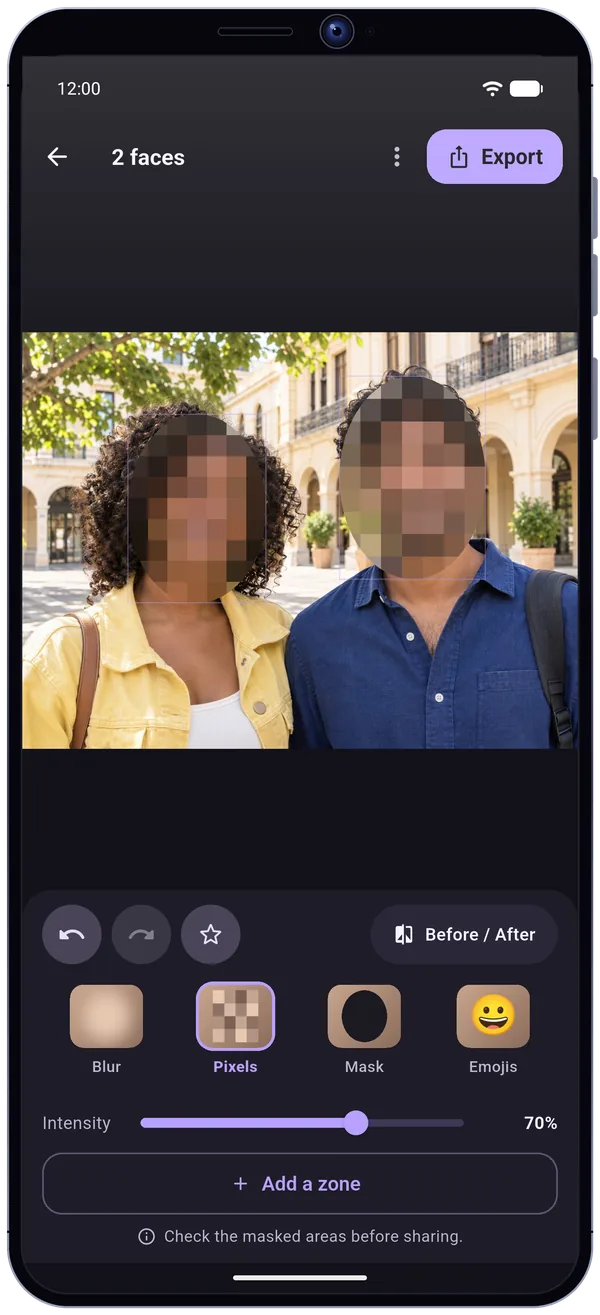
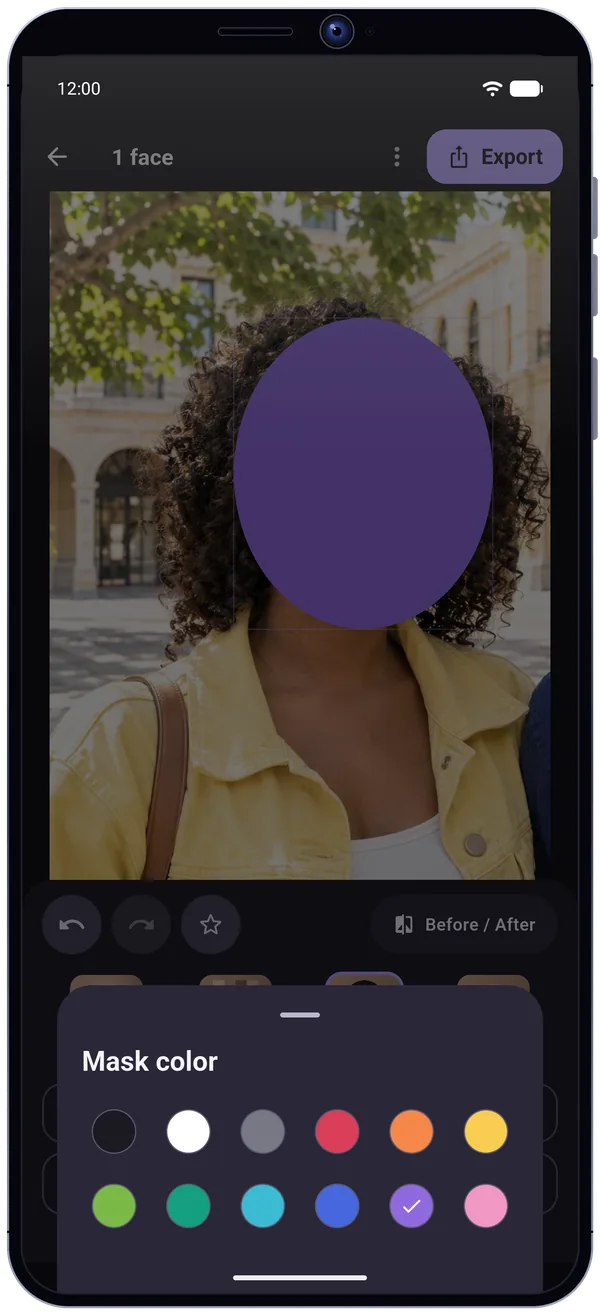
Face detection and masking run on your phone, even offline. You can edit a photo without creating an account.
Detection and masking never leave your phone. The detector finds where faces are, without identifying anyone.
A truly covered copy is created, without the location data. Your original stays in your gallery, never modified.
Blur Go keeps no photo: only your preferences and presets stay on the device.
Google Play and RevenueCat for Premium, Google AdMob for the free version's ads (after your consent) and Crashlytics for crashes. No photo and no face is passed to them.
A one-time purchase, no subscription. All four masking effects stay free.
Blurring and pixelation do not guarantee absolute anonymity: always check the result before sharing.
Blur Go is an Android app that blurs, pixelates or covers the faces in a photo before you share it. You open a picture from your gallery, the app finds the faces automatically, you choose who to cover, check the result and share a copy.
Four effects are available: blur, pixelation, solid color mask and emoji. You can add, move or resize a mask by hand, apply one effect to all faces or to a single one, compare with the original, then export without a watermark. Face detection and masking run on the phone, even offline, with no account.
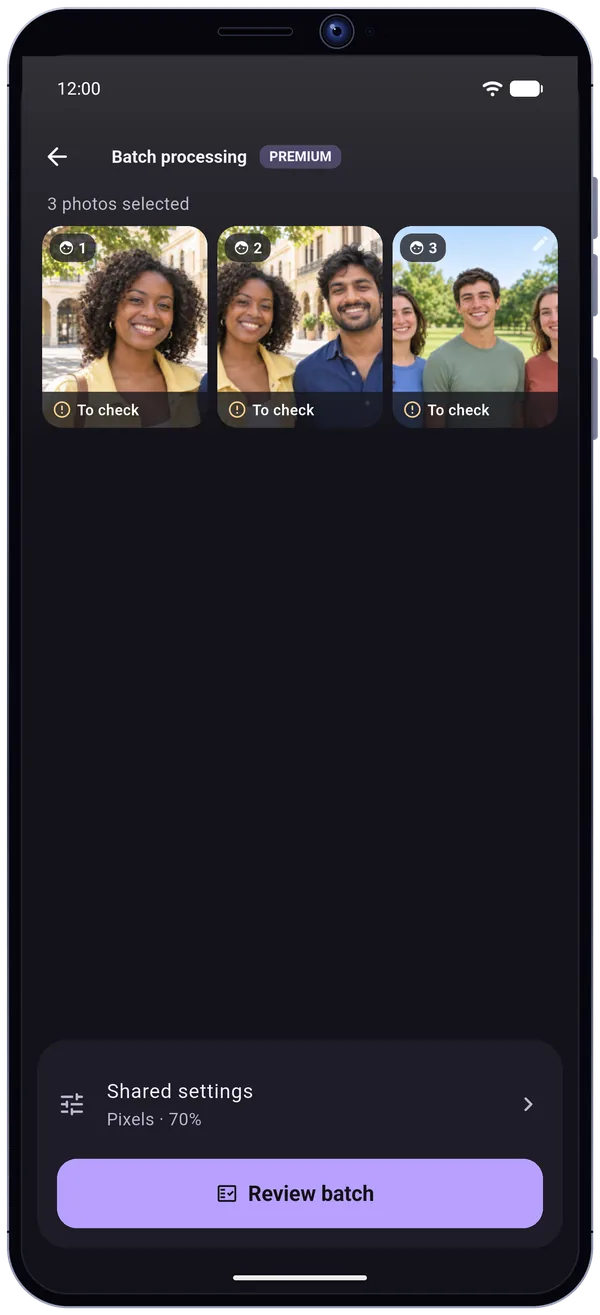
The free version covers one photo at a time with all four effects and shows ads. Blur Go Premium, a one-time purchase with no subscription, removes ads and unlocks batch processing and saved presets. Blurring and pixelation do not guarantee absolute anonymity: always check the result.
Open a photo from your gallery in Blur Go: detected faces are covered automatically. Pick the effect (blur, pixelate, solid mask or emoji), adjust the strength, check the result then save or share the copy.
Tap a detected face to leave it visible or cover it. Keep your own face visible and cover anyone who would rather stay private. You can also change the effect of a single area.
Yes. Face detection and masking run on your phone, even offline, with no account.
No. No photo, no face and no face position is sent. Your original stays in your gallery and Blur Go creates a covered copy, without the location data.
No. Exports are watermark-free, including in the free version.
Yes. Blur Go offers blur, pixelation, an opaque color mask and emojis (smiley, animal, fruit or vegetable), all free.
Yes, with Blur Go Premium: batch processing applies shared settings, and each photo can be opened for fixes. The free version processes one photo at a time.
No. Blurring and pixelation do not guarantee absolute anonymity: always check the covered areas before sharing.
Yes, with ads. A one-time Premium purchase removes ads and unlocks batch processing and saved presets. All four masking effects are available without Premium.