 QuickQR
Scan it. Make it. Share it.
Scan QR codes in a moment and create your own for links, Wi-Fi, contact details and more.

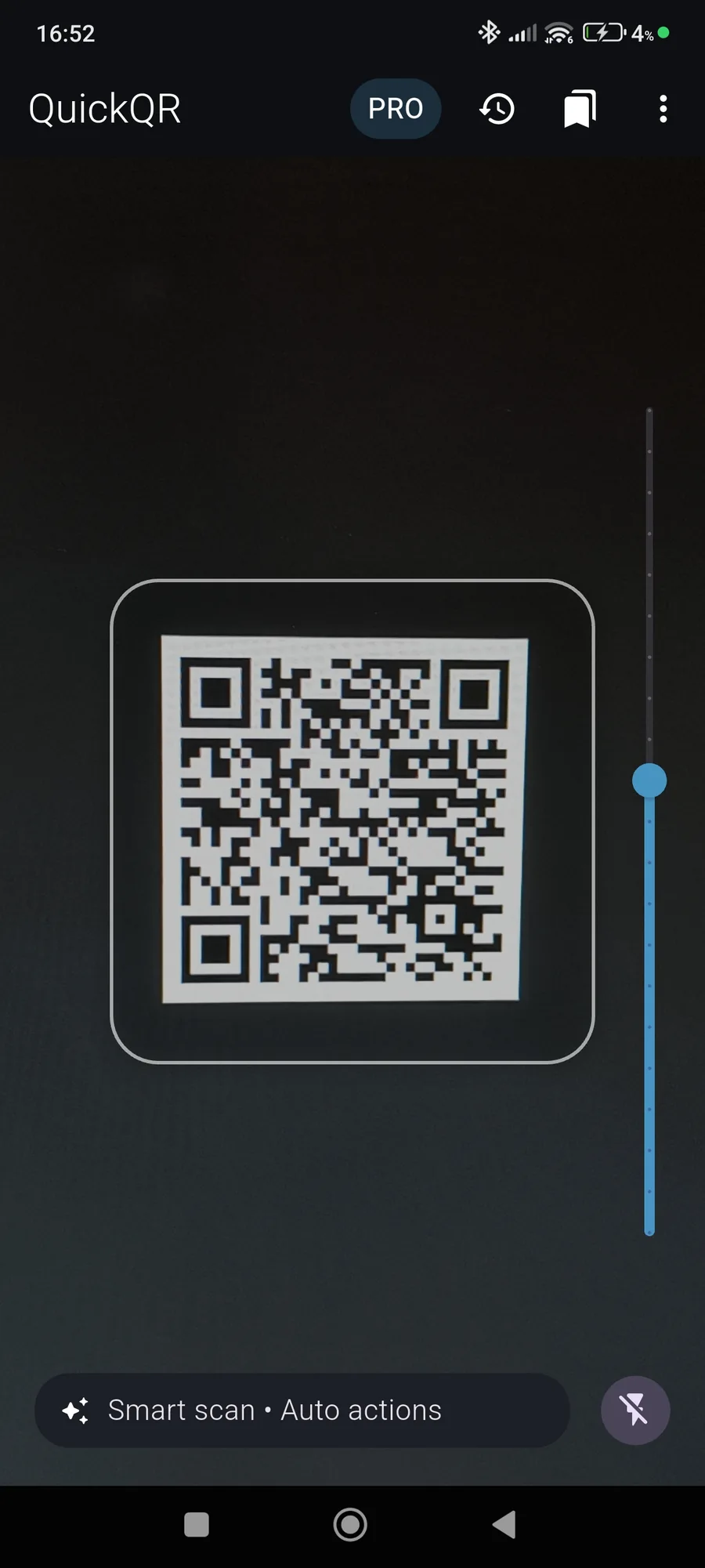
Smart scanning
Recognizes links, Wi-Fi, phone numbers, email and addresses, then suggests the next action.
Quick creation
Create codes for text, websites, Wi-Fi and more with a live preview.
History on your phone
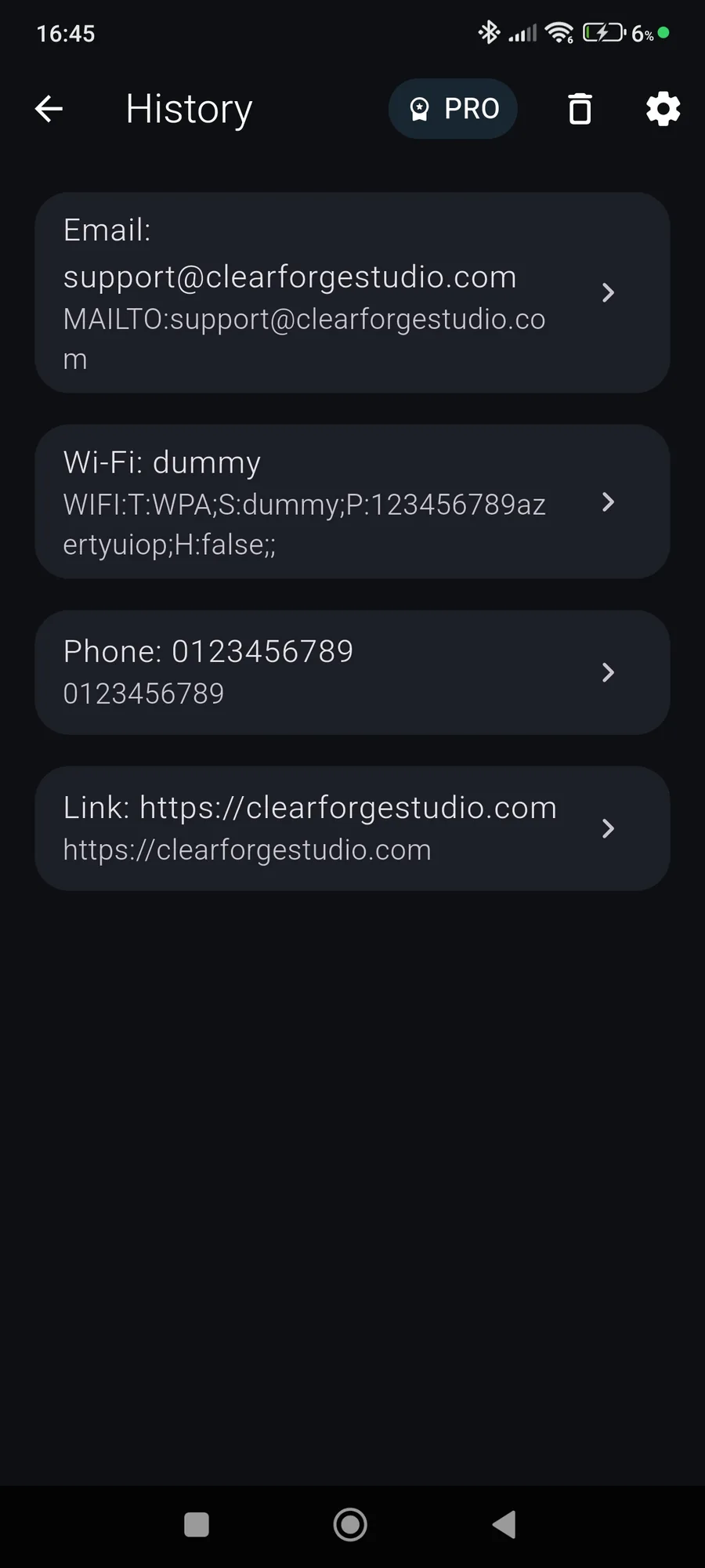
Find recent scans and share them again. Your history stays locally on your device.
Your everyday QR tool.
- Point your camera at a code, or choose what to create.
- Check the result or watch your code appear as you type.
- Open, save or share it in a tap.
QuickQR, the light and fast QR code scanner and generator
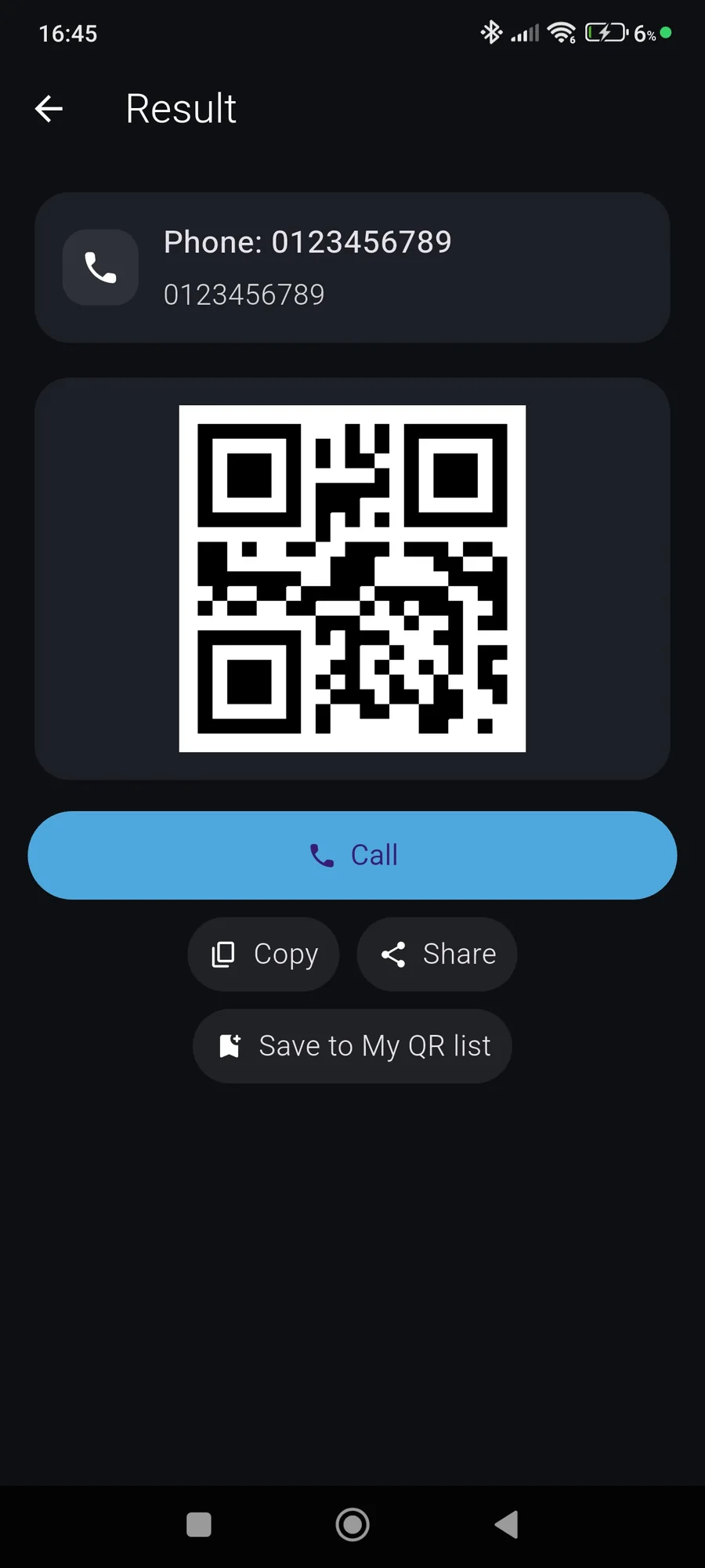
QuickQR is a light, ultra-fast QR code reader: point the camera and the app recognizes the content and suggests the right action. Open a link, join a Wi-Fi network, call, send a text or an email, or show an address on Maps, all in one gesture.
The built-in generator creates your own QR codes (website, text, Wi-Fi access) with a live preview and one-tap image sharing. Your scan history is stored locally, and you can delete or share an old scan with a simple swipe.
QuickQR Pro, a one-time lifetime purchase with no subscription, removes ads and adds unlimited history and "My QR" backup. No sign-up: the app is available in French and English, with a dark mode.
QuickQR frequently asked questions
How do I scan a QR code safely?
With QuickQR, the content is recognized (link, Wi-Fi, phone, email, address) and the action is offered before it runs. Always check where a link leads before opening it, especially if the QR code comes from an unknown source.
How do I share my home Wi-Fi with a QR code?
In the generator, pick Wi-Fi, enter the network name and password, then share the image: your guests just scan it to connect, without typing anything.
Which types of QR codes can I create?
A website, a text or Wi-Fi access, with a live preview as you type. You can then share the code's image in one tap.
Does a QR code made with QuickQR expire?
The code holds the information you entered directly, so it is not tied to a subscription or to a service that could switch it off.
Are my scans sent anywhere?
No: your history is stored locally on your phone, and the app asks for no sign-up.
Free or Pro: which should I choose?
The free version covers scanning, generating and history. QuickQR Pro, a one-time purchase with no subscription, removes ads and adds unlimited history and "My QR" backup.